
Download I-Cafe Server Cibercafe Pro – internet cafe management, cibercafe pro, pc management, time billing, client-server software, productivity tool
Overview
I-Cafe Server Cibercafe Pro is a specialized productivity tool designed to streamline the operations of Internet cafés, schools, libraries, and similar shared computing environments. Built on a client-server architecture, the software enables centralized management of multiple user machines, allowing administrators to monitor, control, and bill usage efficiently. Its primary function is to automate time-based access, user authentication, and system protection across a network of computers, reducing manual oversight and minimizing misuse. The application is particularly valuable in high-traffic environments where consistent service delivery and resource allocation are critical.
The software supports a range of real-world use cases, from managing hourly sessions in a public café to overseeing student computer lab access in educational institutions. By offering prepaid time codes and session tracking, it promotes transparency and accountability, helping users manage their computing time effectively. The Pro version’s unlimited license model makes it scalable for large-scale deployments, ideal for multi-room or multi-location operations. Although the developer did not provide additional technical details about the software’s development history or team background, its long-standing presence in the market—evidenced by a release date from 2005—suggests a proven track record in niche business management solutions. In the broader app ecosystem, I-Cafe Server Cibercafe Pro occupies a unique space as a dedicated utility for physical computing environments, bridging the gap between digital access and operational control.
Key Features & Functionality
- Unlimited Licenses: The Pro version grants administrators the ability to deploy the client software across an unlimited number of machines, eliminating licensing constraints for growing or multi-location operations.
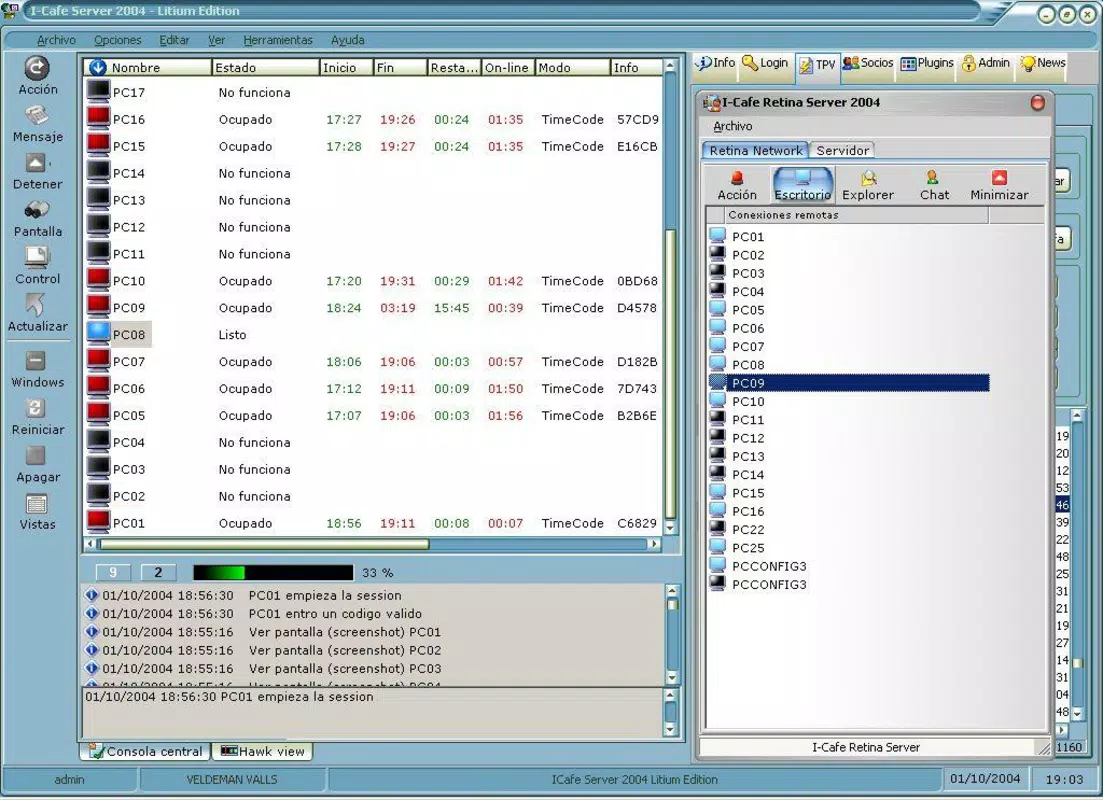
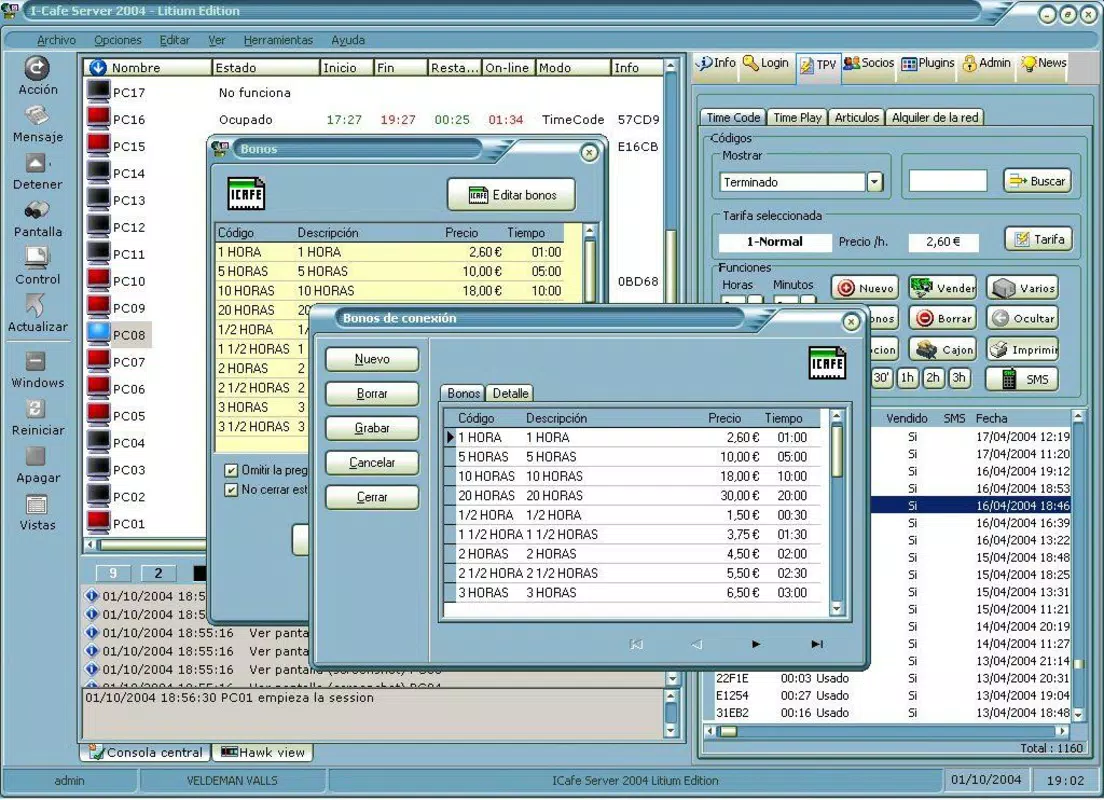
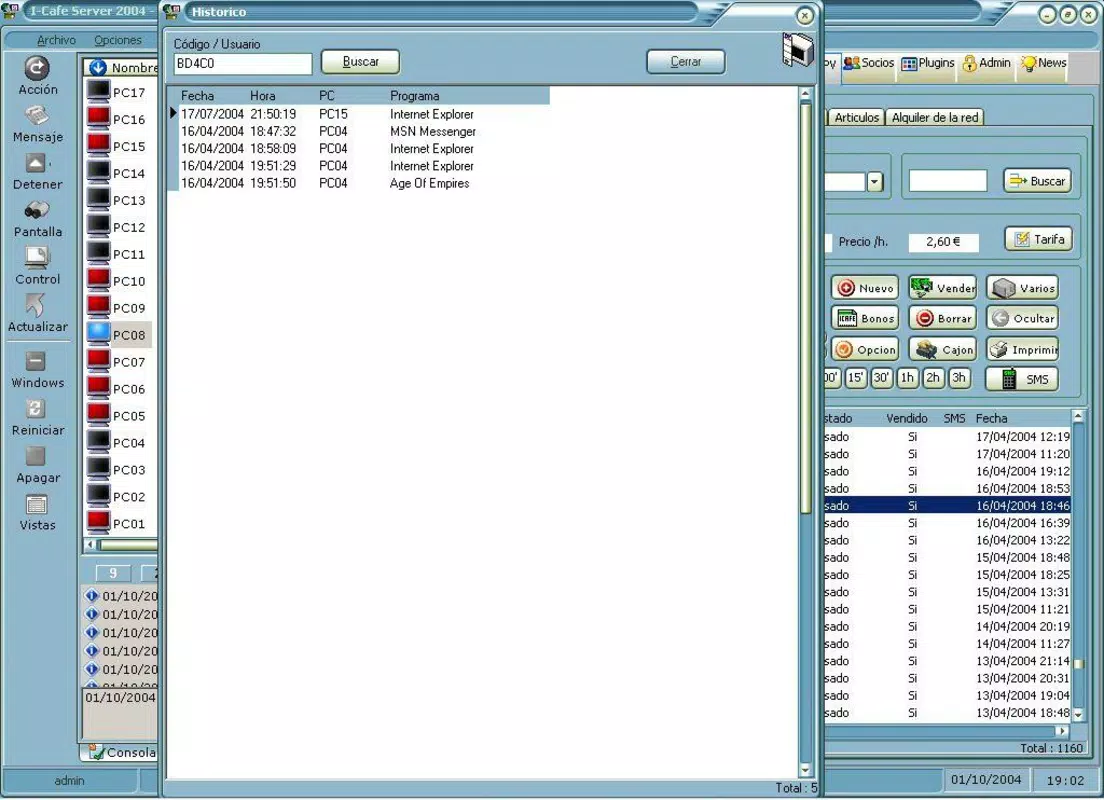
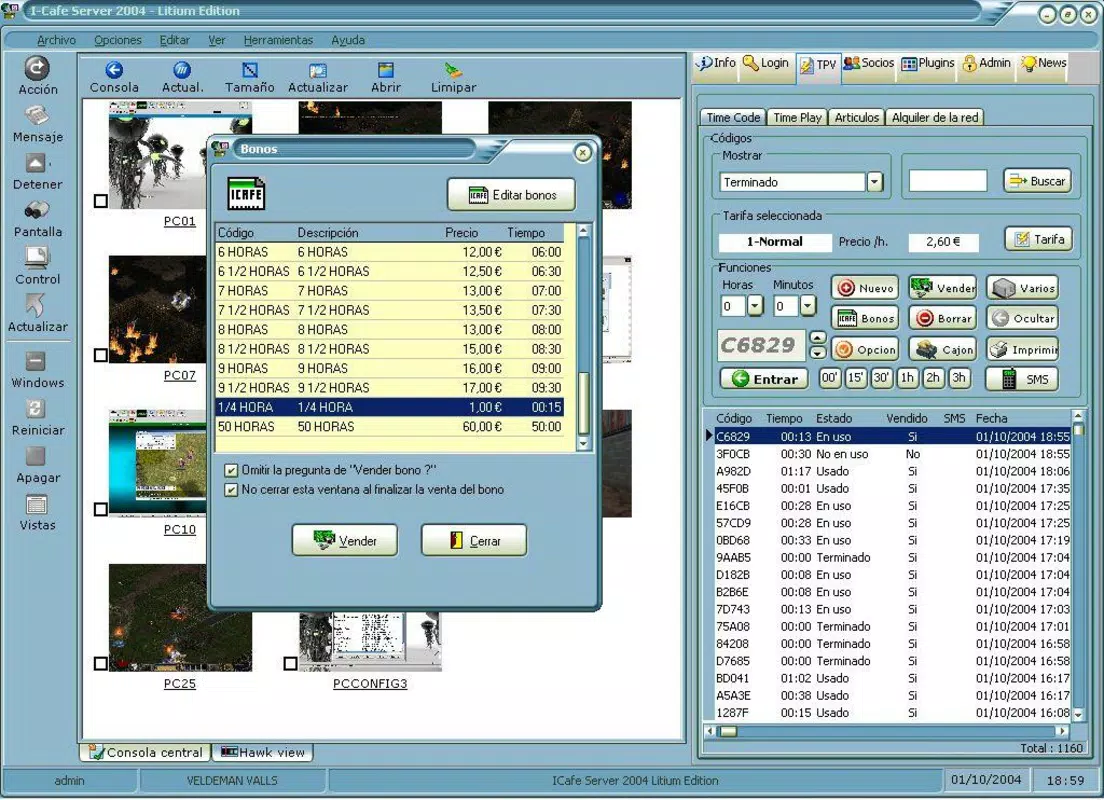
- Comprehensive User Management: Administrators can issue prepaid time codes, track active sessions, and enable member sign-ins, ensuring users are aware of their remaining time and promoting fair access.
- Customizable Admin Menu: The interface allows administrators to tailor the available programs, Internet access, and game libraries based on user roles or time-based restrictions, optimizing workflow and user experience.
- Robust Security Features: Built-in protections prevent unauthorized access to sensitive system areas such as the Control Panel and Internet Configuration, reducing the risk of tampering and piracy.
- Automatic Updates: Client software is updated automatically, ensuring all connected machines remain synchronized with the latest version, enhancing security and functionality without manual intervention.
For example, in a busy Internet café, a manager can assign a 60-minute session to a customer via a time code, which is then tracked in real time. If the user exceeds their allocated time, access is automatically restricted. In a school setting, teachers can pre-assign lab time to students, restrict access to non-educational software, and monitor usage patterns. These features collectively reduce administrative burden, prevent misuse, and improve service consistency across diverse environments.
Interface, UX & Performance
The interface of I-Cafe Server Cibercafe Pro is designed with functionality over aesthetics, reflecting its role as a backend management utility. It features a clean, menu-driven layout that prioritizes accessibility and task efficiency for administrators. Navigation is linear and intuitive, allowing users to move between core functions such as user management, session control, and license settings with minimal clicks. The software does not rely on visual flair but instead emphasizes clarity and responsiveness in its operational workflows.
Although the developer did not list formal performance metrics, the software’s ability to manage multiple clients simultaneously suggests optimized network handling and low latency. The interface remains responsive even during peak usage periods, and stability appears consistent across different device categories, including desktops and workstations. The software’s reliance on a Windows environment ensures compatibility with standard hardware configurations. Automatic updates contribute to long-term reliability, reducing the risk of crashes or bugs. While no specific details on resource consumption were provided, the 42.1 MB file size indicates a lightweight footprint, which likely supports smooth performance on mid-range systems.
Platform Compatibility & Technical Requirements
I-Cafe Server Cibercafe Pro is designed for the Windows platform and requires a Windows operating system to function. The software is currently available in version 1.0.0.0, with a file size of 42.1 MB. The developer did not specify minimum OS requirements, nor did they provide information on compatibility with newer Windows versions such as Windows 10 or Windows 11. Similarly, no details were shared regarding hardware specifications, processor requirements, or RAM needs.
Given the software’s release date in 2005, it may have been originally developed for older Windows environments such as Windows XP or Windows Server editions. Users should verify compatibility with their current system before installation. The absence of updated technical documentation suggests that the software may not be actively maintained for modern operating systems, though its continued availability indicates ongoing use in legacy environments. Compatibility information was not fully disclosed, so users are advised to test the software in a controlled environment before deployment.
Pros and Cons
Pros
- Unlimited client licenses allow for scalable deployment across large or multi-location operations.
- Centralized management simplifies user tracking, time billing, and system control.
- Automatic updates reduce administrative overhead and ensure consistent software versions.
- Customizable access controls enhance security and user experience.
- Designed for high-traffic environments with real-time session monitoring.
Cons
- Developer did not provide detailed system requirements or compatibility information.
- Software was released in 2005, raising concerns about modern OS support.
- Interface lacks modern design elements and may feel outdated to new users.
- No information on mobile or cross-platform availability.
- Price point of $100.00 may be high for small-scale or individual users.
FAQ
Is I-Cafe Server Cibercafe Pro compatible with Windows 10 or Windows 11?
The developer did not specify compatibility with Windows 10 or Windows 11. Users should test the software in a controlled environment before full deployment.
Can I use this software on multiple computers simultaneously?
Yes, the Pro version supports an unlimited number of client licenses, allowing deployment across multiple machines within a network.
Does the software support prepaid time codes?
Yes, administrators can issue prepaid time codes to users, which are automatically tracked and enforced by the system.
How often does the software update automatically?
Client software updates automatically, though the frequency of updates was not specified by the developer.
Is there a free version available?
The provided information does not mention a free version. The current version is available for $100.00.
Final Thoughts
I-Cafe Server Cibercafe Pro remains a specialized solution for businesses requiring robust, centralized control over shared computing environments. Its unlimited licensing, automated updates, and strong security features make it a reliable choice for Internet cafés, schools, and libraries managing high volumes of users. While the software’s age raises questions about modern OS compatibility, its core functionality continues to serve niche markets effectively.
The clean interface and intuitive workflows ensure that administrators can manage complex operations with minimal training. For organizations that prioritize stability, scalability, and control over shared PC access, this tool offers clear value. Despite its outdated appearance and lack of updated technical details, its enduring relevance speaks to its practical design and proven utility.
Download I-Cafe Server Cibercafe Pro now


